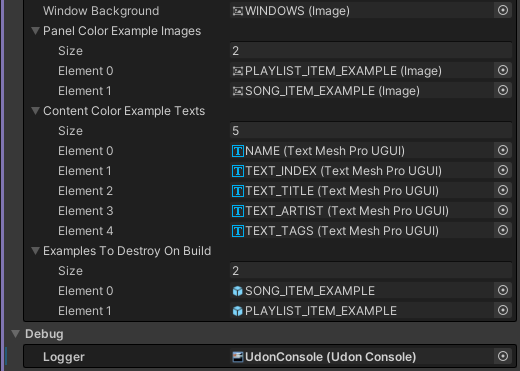
All Arrays Are Now Reorderables by Default
What are reorderables?
As soon as you open up Unity 2022.3, you may start to notice that all arrays look a little different from how they used to in 2019.4.
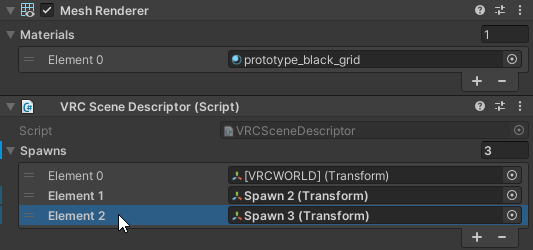
This is because by default, all arrays are now "reorderables", meaning that you can reorder items by dragging them. Many advanced creators have already been using reorderable lists before by accessing the Unity's internal APIs, but now they are available by default to everyone with zero code.
Can I revert the arrays to how they used to be?
Absolutely! In order to disable reorderable arrays, all you have to do is add the NonReorderableAttribute above your array:
[NonReorderable]
[SerializeField, FieldNullWarning(true)]
private Image[] panelColorExampleImages;

[NonReorderable]
[SerializeField, FieldNullWarning(true)]
private TextMeshProUGUI[] contentColorExampleTexts;

[NonReorderable]
[SerializeField, FieldNullWarning(true)]
internal GameObject[] examplesToDestroyOnBuild;
By using the attribute, all of your arrays should be back to how they used to be in 2019.4: