Turning Waltzer into an Avatar with Avatar Dynamics
What sparked it all?
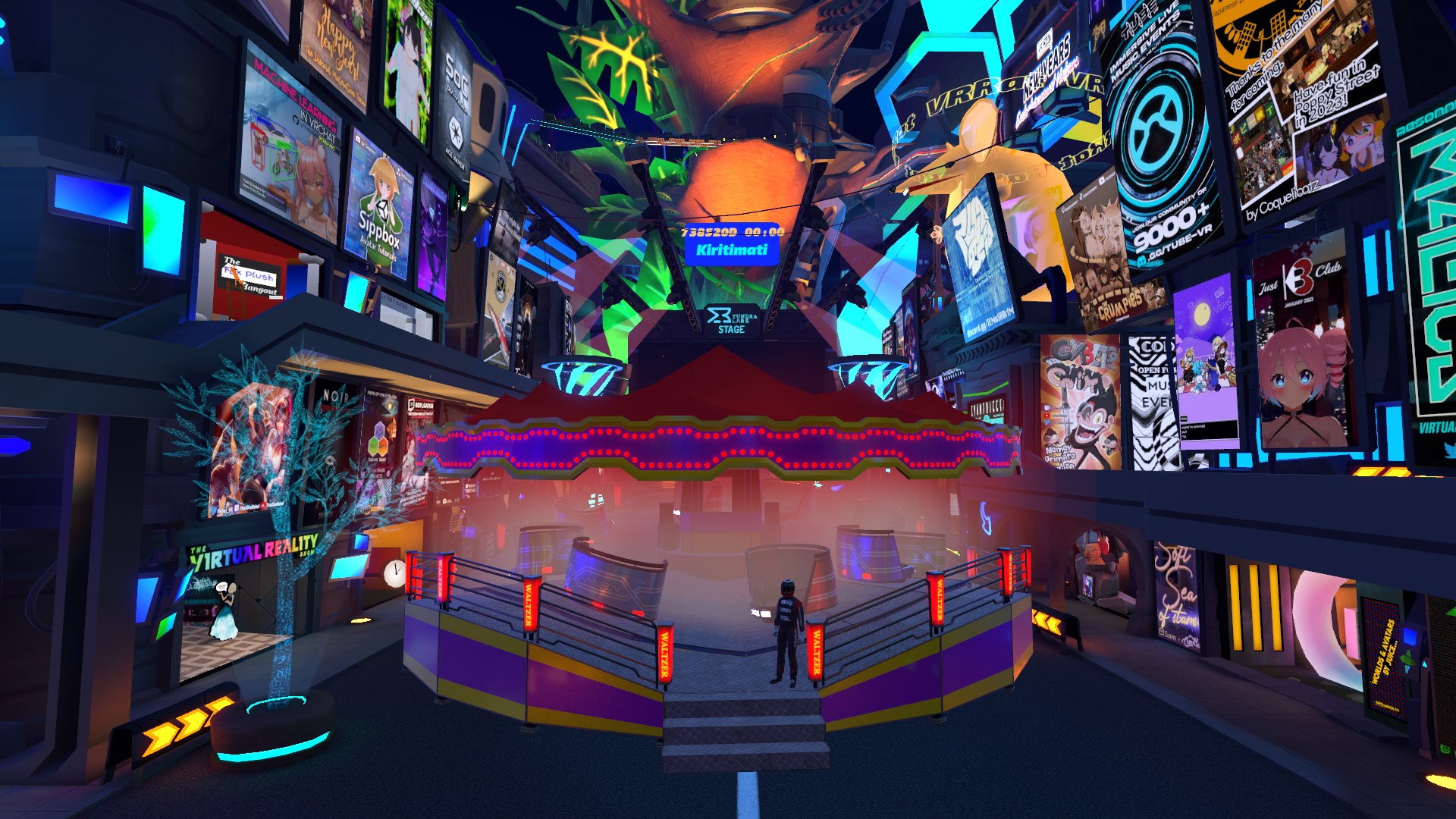
Thanks to the inspiration I got from @NinjaSteeve's shopkeeper avatar, I decided to try to turn the Waltzer into an avatar and check out the different features and capabilities of VRChat's Avatar Dynamics while at it.
Replicating the physics
One of the primary selling points of my in-world Waltzer is its realtime physics, and I wanted to replicate them as accurately as possible on the avatar. After a bit of exploration and experimentation on the different options, I decided to utilize PhysBones for the realtime physics of the cars.
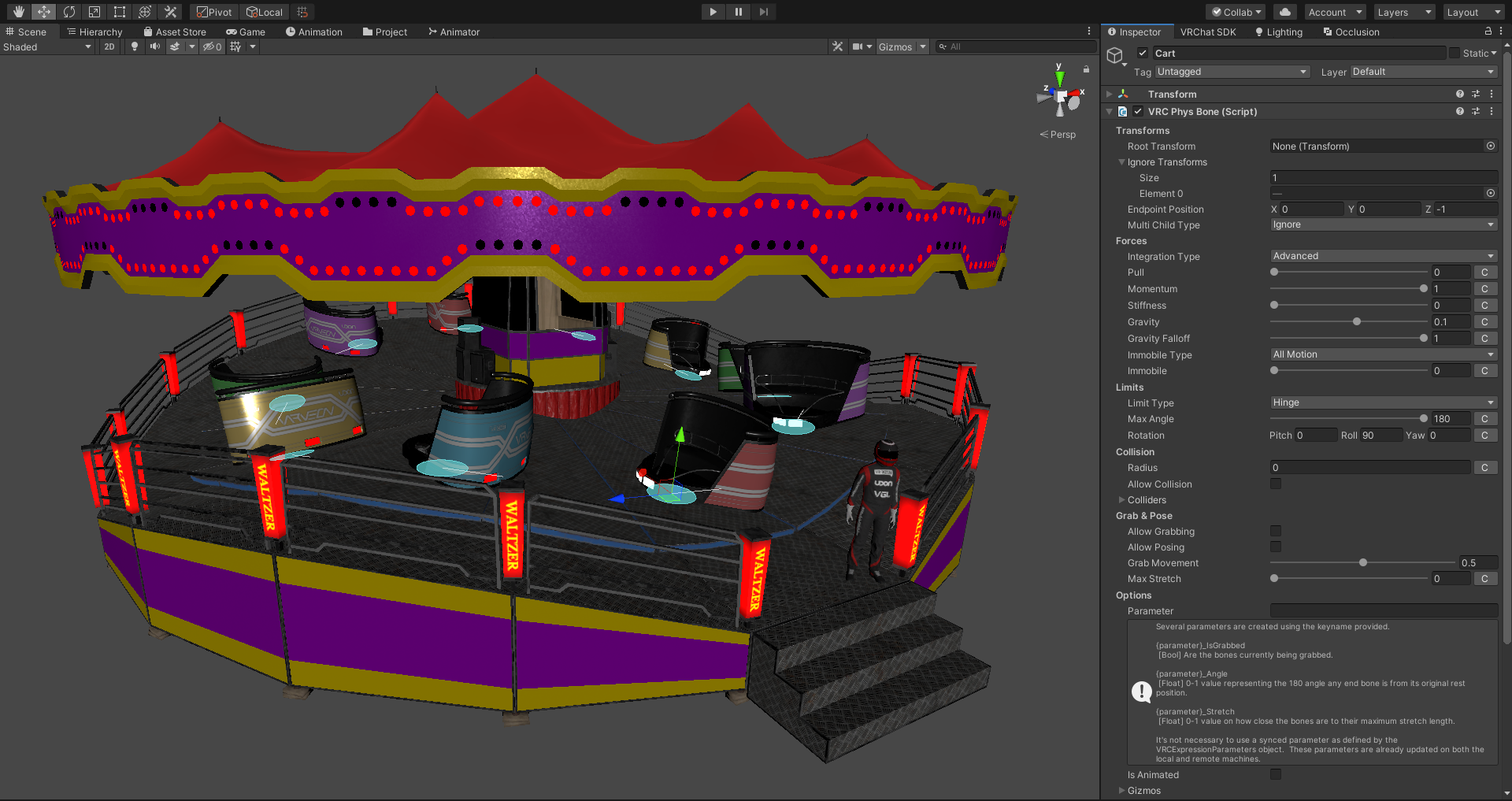
The result isn't by any means perfect, but for what it is, I'm thoroughly impressed by the stability and performance of VRChat's implementation of PhysBones.
Performance
With worlds you obviously have a lot more room for resources in terms of both CPU and GPU usage, but how do you fit an entire world's center piece into an avatar and still keep it medium?

The optimizing process is till ongoing, but for now I've managed to keep in in medium ranking by applying following steps:
- Flatten all lights (remove side faces) - In the original model there are 1,280 3D light bulbs around the ride's canopy. By removing the side faces I managed to bring down the triangle count of the lights from 30,720 to 10,240.
- MORE SKINNED MESH RENDERERS - I mean, with as many separate parts as there are in the world's Waltzer, the easiest method of optimizing mesh and material count was to merge everything into a skinned mesh.
- Replace realtime physics components with PhysBones - This step in itself was required in order to make it even work on world drop avatar to begin with, but 10 PhysBones are still within the medium ranking, so we're good to go.
- Replace speaker models with LOD2 meshes - My universal speaker models that I use for all of my worlds have 4 LODs, and the LOD2 meshes are detailed enough for just indicating that the ride has speakers, since no one can really even get close enough to them.
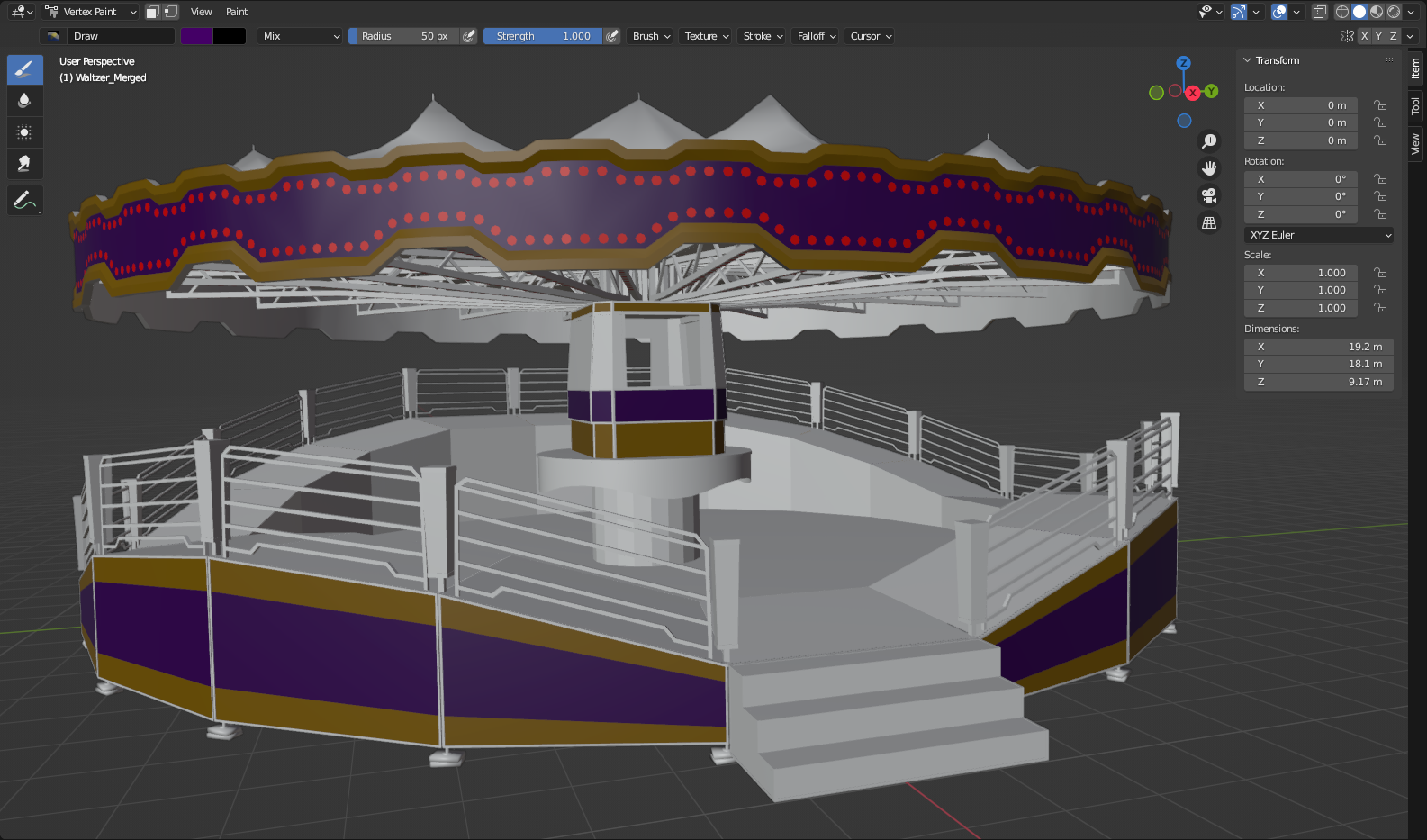
One huge factor that contributes to the relatively low material count is the heavy use of vertex colors on the meshes using the paint shader:
Features
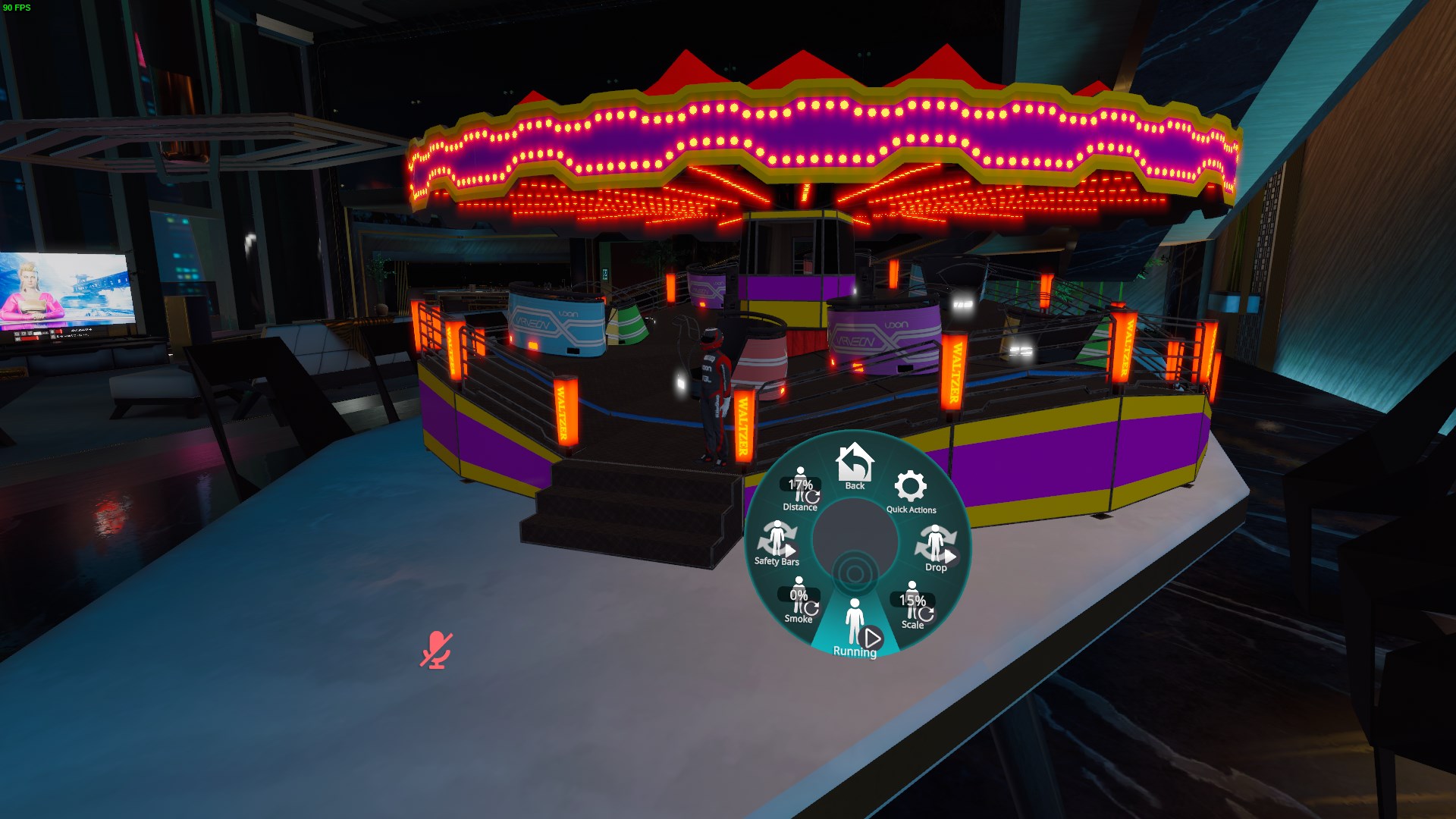
I ended up implementing several different features into the avatar in order to make it more flexible and suitable for nearly any sized avatar or space for deploying it.
- [Toggle] Drop: Drops the ride in world space
- [Radial] Scale: Scale of the ride between 100% (19 m radius) - 10% (1.9 m radius), this is perfect for spawning the ride as model toy for tiny avatars on top of a table etc.
- [Toggle] Running: Running state of the ride, will automatically speed up and slow down based on the state
- [Radial] Smoke: Emits the defined amount of smoke on the ride for added visual effect
- [Toggle] Safety Bars: Raises or lowers the safety bars of the cars
- [Radial] Distance: Deployment distance of the ride in relation to the player on the forward axis
To Do
- Brakes - (It seems like animating PhysBones doesn't update the values on the component, in editor the PhysBone will apply the animated values as soon as any of the inspector fields are manually modified by the user)
- Fake GI - Bake lighting on the ride and apply it on the surfaces based on the current lighting pattern on the ceiling
- Music - Add an audio source to the ride for playing music
- Animated ride operator - Animate one of my avatars as the operator of the ride who will walk around the platform
- Add ability to grab the cars (Maybe) - This shouldn't be impossible with the current setup using PhysBones