Varneon's Waltzer Development Retrospective
Comprehensive insight to the 4 year long development of Waltzer, one of my most ambitious side projects in VRChat.
- Introduction
- My first Waltzer prototype was the second world I ever uploaded
- SDK2 - Getting Creative
- Turning Waltzer into an Avatar with Avatar Dynamics
Introduction
What is Waltzer?
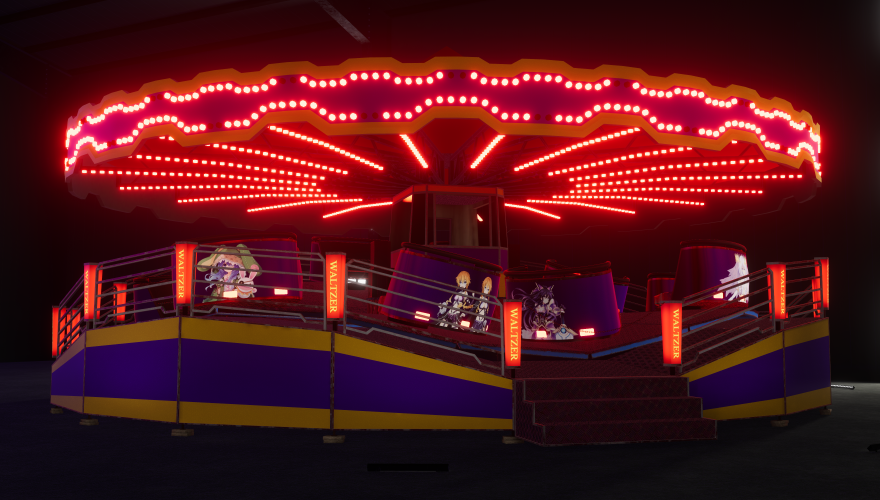
A Waltzer is a flat fairground ride that often forms the centrepiece of traditional British and Irish fairs. The ride consists of a number of cars which spin freely while rotating around a central point, in much the same way as a carousel. As the cars revolve, the floor of the ride undulates over a track so that the cars rise and fall as the ride spins. The offset weight of the riders causes each car to rotate. The riders experience varying levels of g-force from the spinning of the car, and the rotation of the ride itself. Because of this, operators will impose height and age restrictions.
Why did I start working on a Waltzer in social VR?
Ever since I was a young, I have admired the engineering behind Waltzer and the concept of pairing mechanical motion with human operators who interact with the passengers, which makes every experience unique.
In the past I have made small scale Waltzers out of wood and Legos and have attempted making a virtual version of one in every creative game I've played, most notably Garry's Mod.
Waltzer is one of those rides alongside with ones such as bumper cars and haunted house, which when done right, will make for an incredible VR experience.
Development challenges
Waltzer presented several challenges in terms of the development, out of which synchronization and physics were the most challenging.
Synchronization:
- The ride's main platform has to be at the same relative angle to the operator of the ride at all times to allow social interactions between the operators and the passengers while the ride is running
- Cars must always be at the same exact angle and have the same velocity for all clients
Physics:
- The ride's main platform's motion has been simulated in Blender and exported into Unity, which must work with the cars' physics, that purely rely on live rigidbodies for natural feeling motion
- The ride's main platform must be walkable while the ride is running and the operator must be able to stand still on the platform at full speed without any movement input
- The operator must be able to grab the cars and give them speed reliably while the ride is at full speed
Lighting:
- The ceiling frame of the ride is covered with lights which I wanted to affect the lighting of the main platform and its surroundings in a performant way
My first Waltzer prototype was the second world I ever uploaded
"If I can create on the platform, I will try to make a Waltzer!"
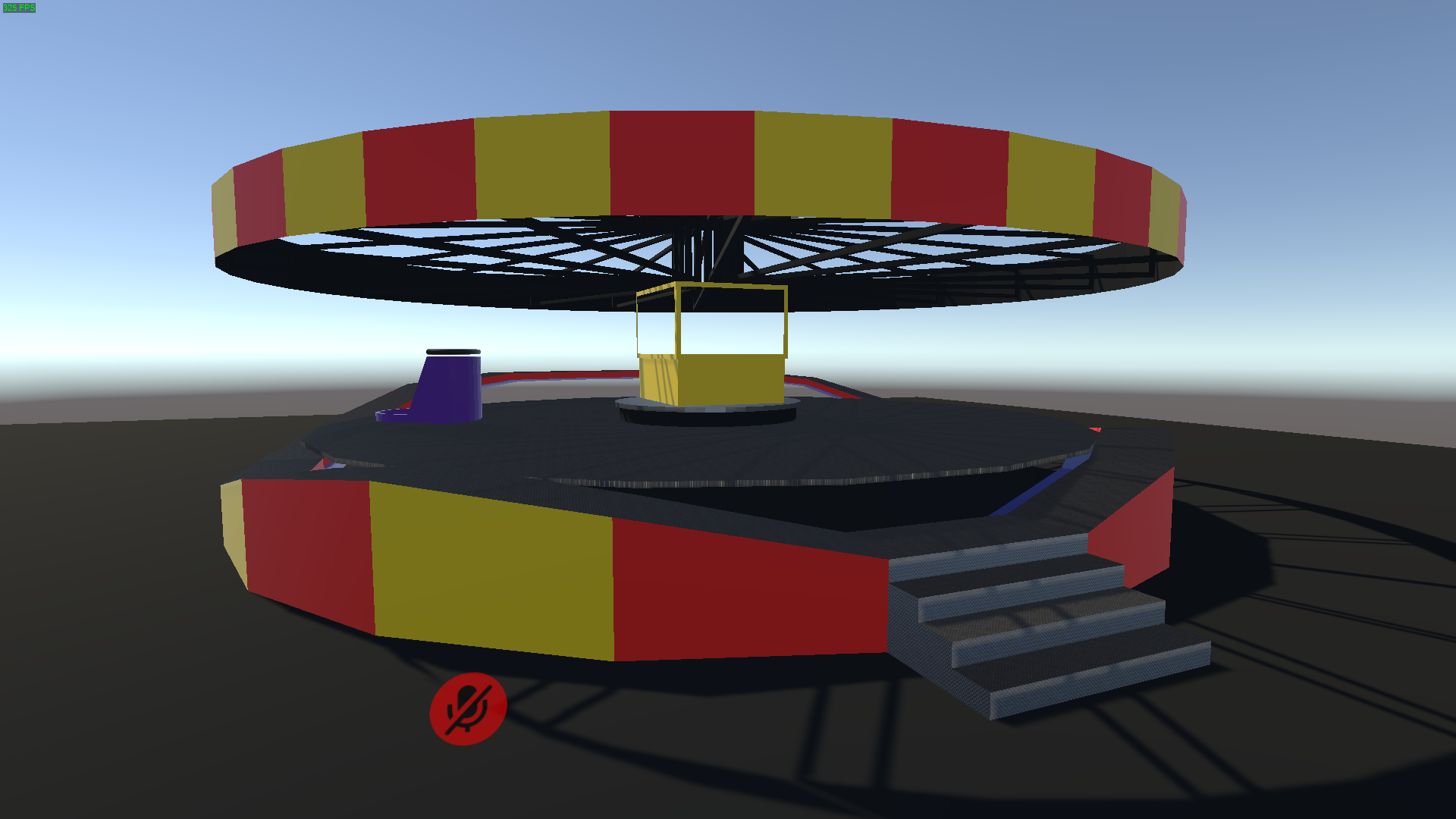
As soon as I started creating worlds in VRChat, I obviously tried making a Waltzer!
As you may expect, the world doesn't even work anymore because of the outdated version, but it is there to remind me how passionate I've been about creating one ever since the beginning of my world development career.
SDK2 - Getting Creative
Working around SDK2's limitations
Given the limited tools available in the SDK2, I had to get creative with the feature implementations.
The base of the ride running on a single client had no issues since it was an animation with the live rigidbodies of the cars being moved to the appropriate positions, but synchronization was massive challenge.
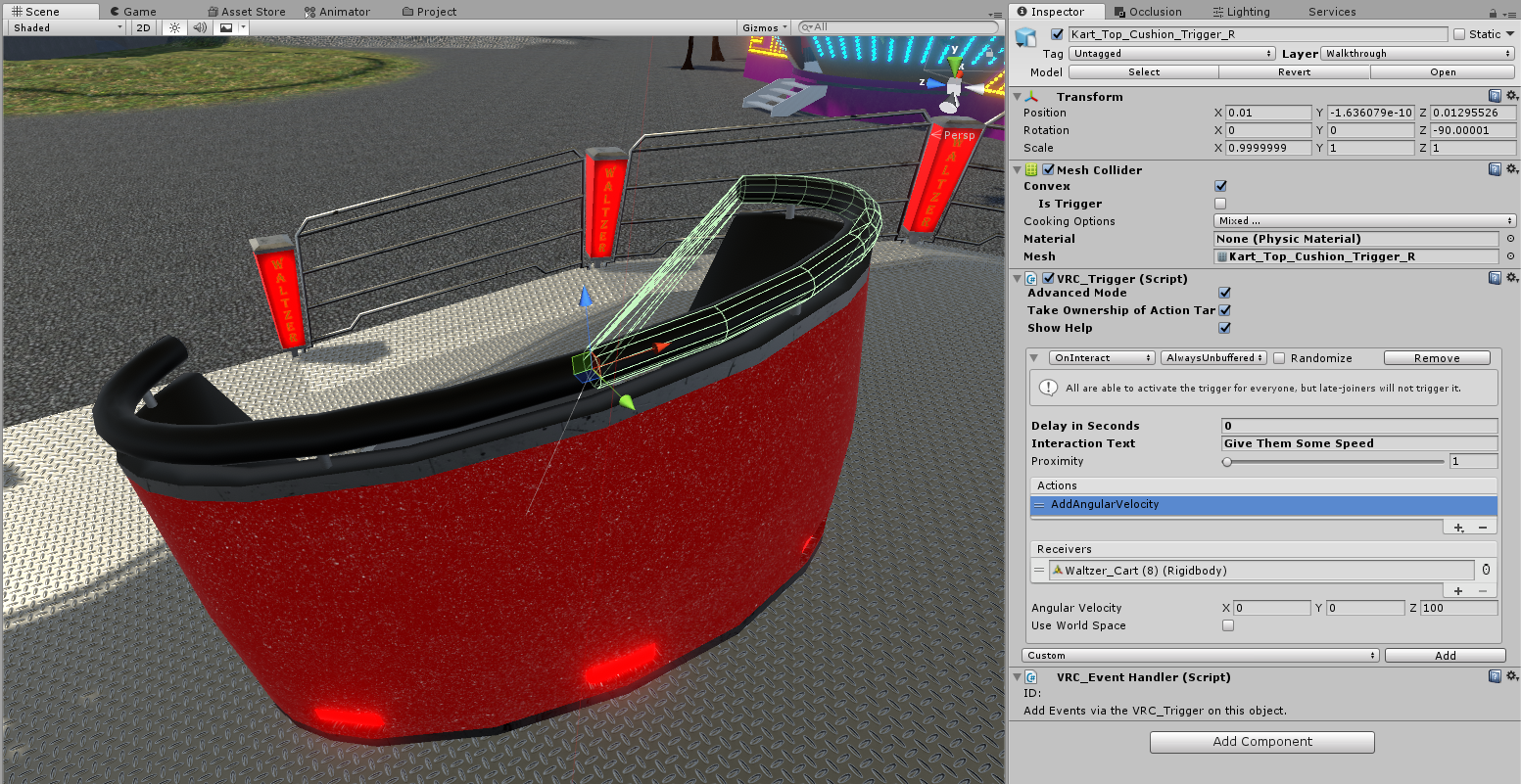
My first solution for attempting to synchronize the event of the operator giving speed to the passengers was to split the headrest of the car into two interact triggers that would send synced action that adds angular velocity to the car for every client:
The rest of the page will be written after I have managed to import newer version of SDK2 that allows me to test and build in order to demonstrate the features of the older SDK2 Waltzer
Turning Waltzer into an Avatar with Avatar Dynamics
What sparked it all?
Thanks to the inspiration I got from @NinjaSteeve's shopkeeper avatar, I decided to try to turn the Waltzer into an avatar and check out the different features and capabilities of VRChat's Avatar Dynamics while at it.
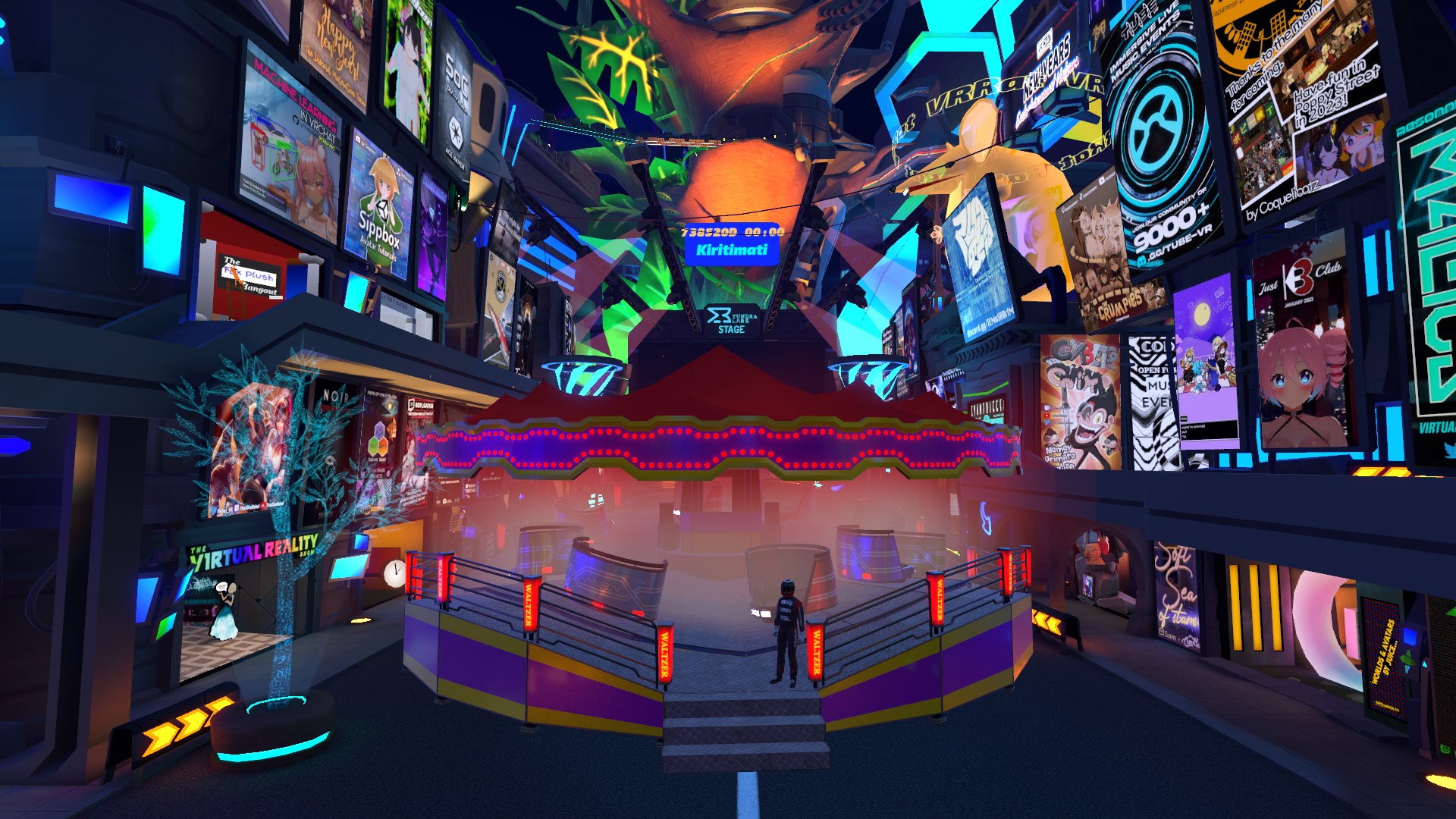
Replicating the physics
One of the primary selling points of my in-world Waltzer is its realtime physics, and I wanted to replicate them as accurately as possible on the avatar. After a bit of exploration and experimentation on the different options, I decided to utilize PhysBones for the realtime physics of the cars.
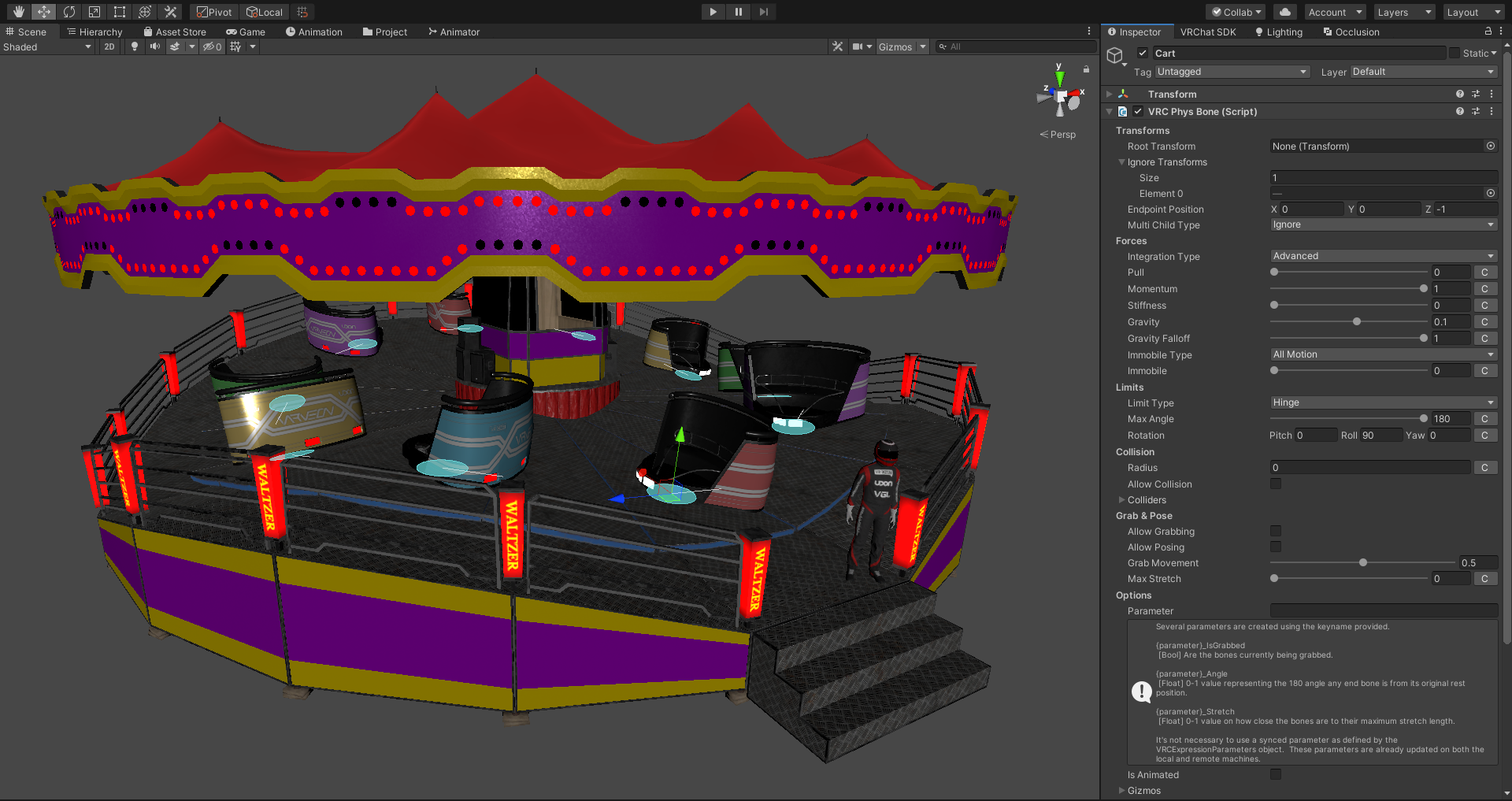
The result isn't by any means perfect, but for what it is, I'm thoroughly impressed by the stability and performance of VRChat's implementation of PhysBones.
Performance
With worlds you obviously have a lot more room for resources in terms of both CPU and GPU usage, but how do you fit an entire world's center piece into an avatar and still keep it medium?

The optimizing process is till ongoing, but for now I've managed to keep in in medium ranking by applying following steps:
- Flatten all lights (remove side faces) - In the original model there are 1,280 3D light bulbs around the ride's canopy. By removing the side faces I managed to bring down the triangle count of the lights from 30,720 to 10,240.
- MORE SKINNED MESH RENDERERS - I mean, with as many separate parts as there are in the world's Waltzer, the easiest method of optimizing mesh and material count was to merge everything into a skinned mesh.
- Replace realtime physics components with PhysBones - This step in itself was required in order to make it even work on world drop avatar to begin with, but 10 PhysBones are still within the medium ranking, so we're good to go.
- Replace speaker models with LOD2 meshes - My universal speaker models that I use for all of my worlds have 4 LODs, and the LOD2 meshes are detailed enough for just indicating that the ride has speakers, since no one can really even get close enough to them.
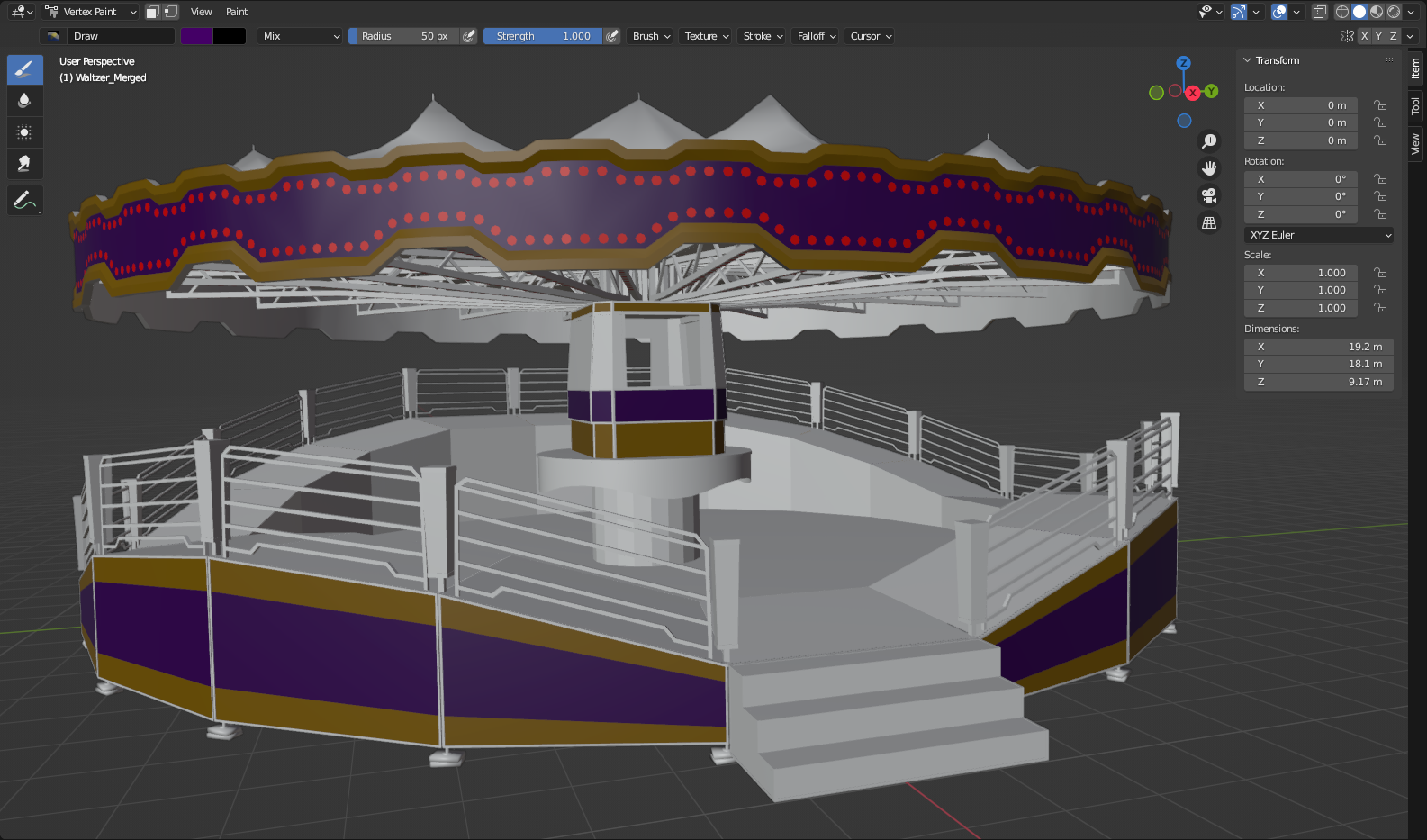
One huge factor that contributes to the relatively low material count is the heavy use of vertex colors on the meshes using the paint shader:
Features
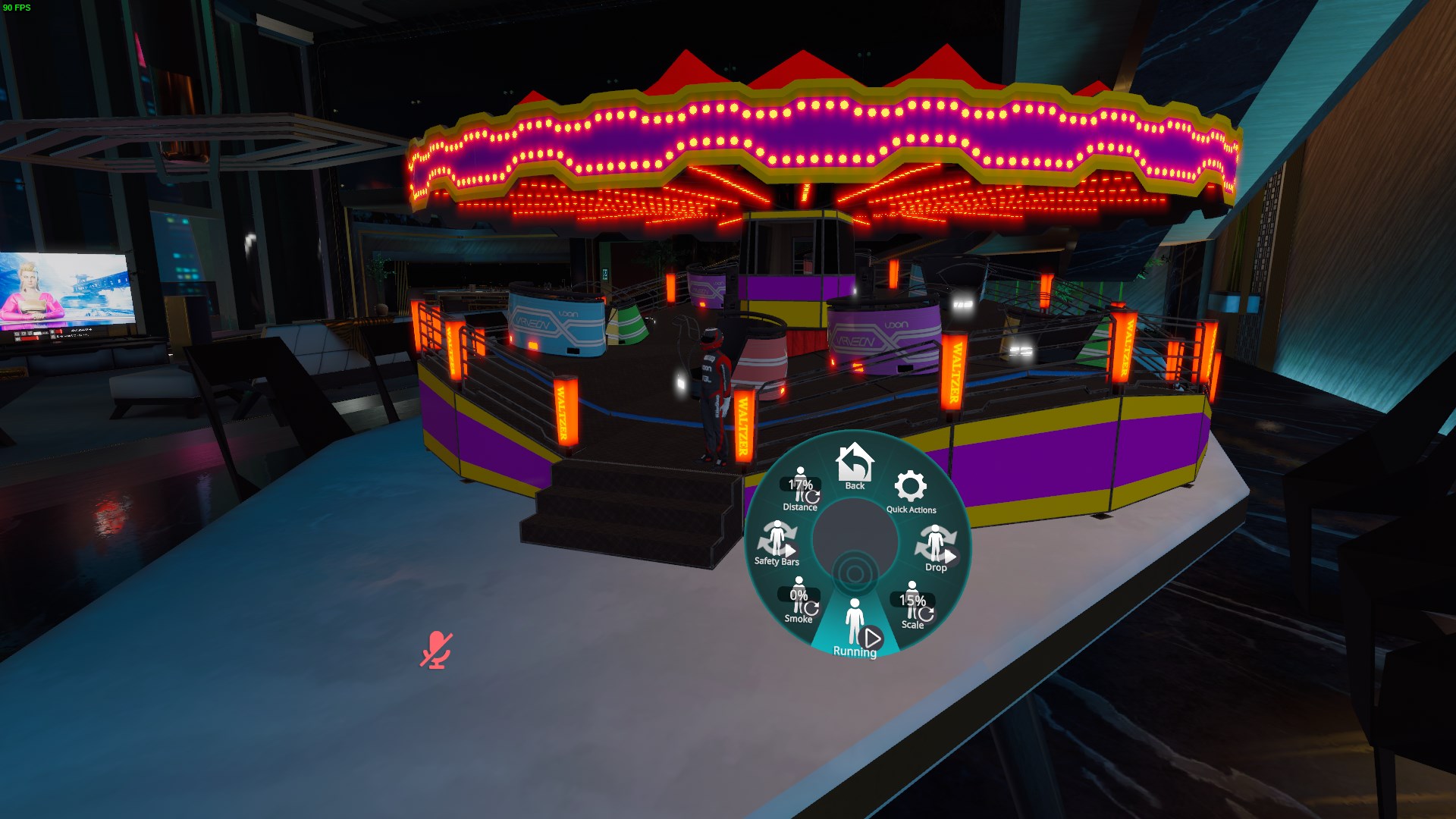
I ended up implementing several different features into the avatar in order to make it more flexible and suitable for nearly any sized avatar or space for deploying it.
- [Toggle] Drop: Drops the ride in world space
- [Radial] Scale: Scale of the ride between 100% (19 m radius) - 10% (1.9 m radius), this is perfect for spawning the ride as model toy for tiny avatars on top of a table etc.
- [Toggle] Running: Running state of the ride, will automatically speed up and slow down based on the state
- [Radial] Smoke: Emits the defined amount of smoke on the ride for added visual effect
- [Toggle] Safety Bars: Raises or lowers the safety bars of the cars
- [Radial] Distance: Deployment distance of the ride in relation to the player on the forward axis
To Do
- Brakes - (It seems like animating PhysBones doesn't update the values on the component, in editor the PhysBone will apply the animated values as soon as any of the inspector fields are manually modified by the user)
- Fake GI - Bake lighting on the ride and apply it on the surfaces based on the current lighting pattern on the ceiling
- Music - Add an audio source to the ride for playing music
- Animated ride operator - Animate one of my avatars as the operator of the ride who will walk around the platform
- Add ability to grab the cars (Maybe) - This shouldn't be impossible with the current setup using PhysBones