# Creator Companion and Package Manager Guide
A guide for using VRChat Creator Companion and authoring packages compatible with VRChat Package Manager
# Terminology
"VCC", "VPM", "Repo", "Package"? - This page is for giving you an overview of what everything means
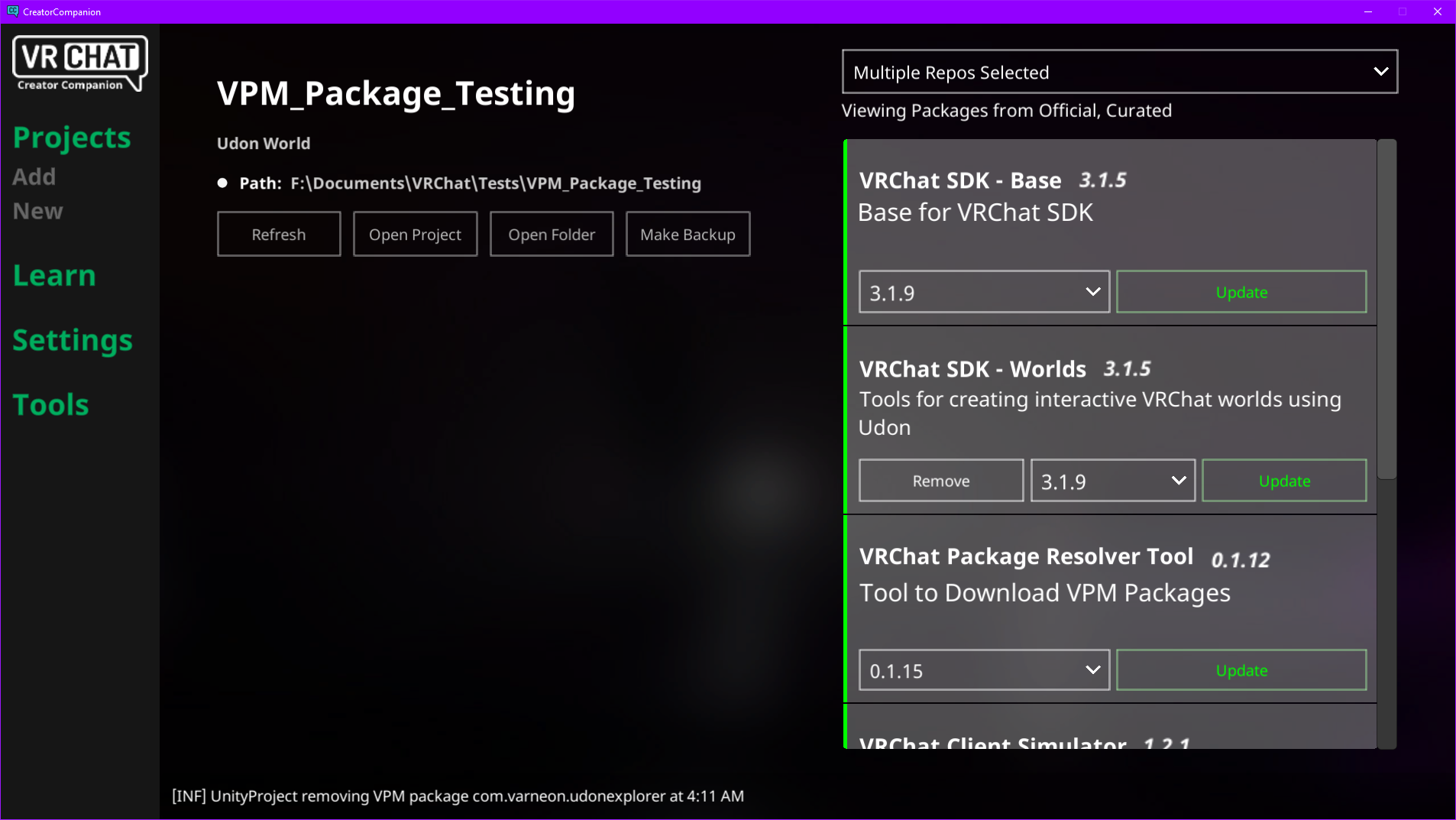
VRChat Creator Companion (VCC)
Standalone application developed by VRChat for managing Unity projects for world and avatar creation and the packages in those projects: https://vcc.docs.vrchat.com/
Creator Companion also includes sections for accessing learning material and other tools developed by VRChat.
VRChat Package Manager (VPM)
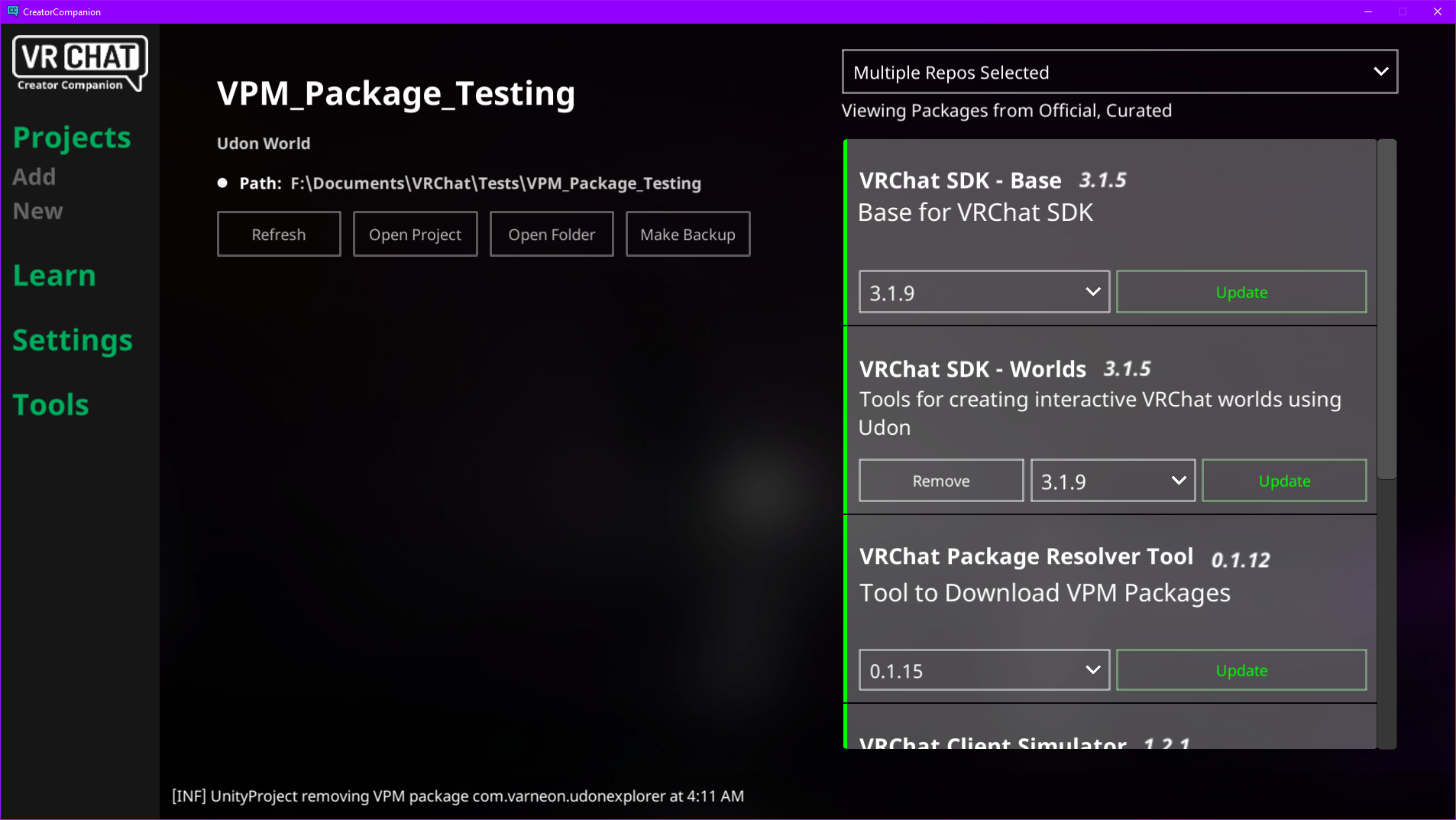
Core feature of VRChat Creator Companion for managing VPM packages in your projects (VRCSDK, ClientSim, UdonSharp, etc.)
https://vcc.docs.vrchat.com/vpm/
Repository Listing / Repo
JSON file which contains a list of packages and available versions for VRChat Package Manager to download and add into a project.
Repository listings are used to receive information new versions for packages.
https://vcc.docs.vrchat.com/vpm/repos
CreationInfo
The repository listing stub JSON for initializing the full repository listing file.
Example:
{
  "CreationInfo": {
    "url": "https://vpm.varneon.com/editor-extensions"
  }
}
CreationInfo property containing the URL which points to the full repository listing is the only thing required to be present in the JSON file in VRChat Creator Companion's appdata folder in order to create the full listing
VPM Package
A package used to add assets into a project for world or avatar creations.
Based on Unity Package Manager packages with few additions for added functionality specific to VPM.
Generally identified by the UPM compatible name (e.g. "com.vrchat.udonsharp"), not to be mixed with the Display Name, which is the user-friendly name for viewing the package in Package Manager window or Creator Companion.
Package Manifest (package.json)
A JSON file for managing information about a UPM/VPM package: https://docs.unity3d.com/Manual/upm-manifestPkg.html
The package manifest is the only file required to be present in order to add it into a project using Unity Package Manager
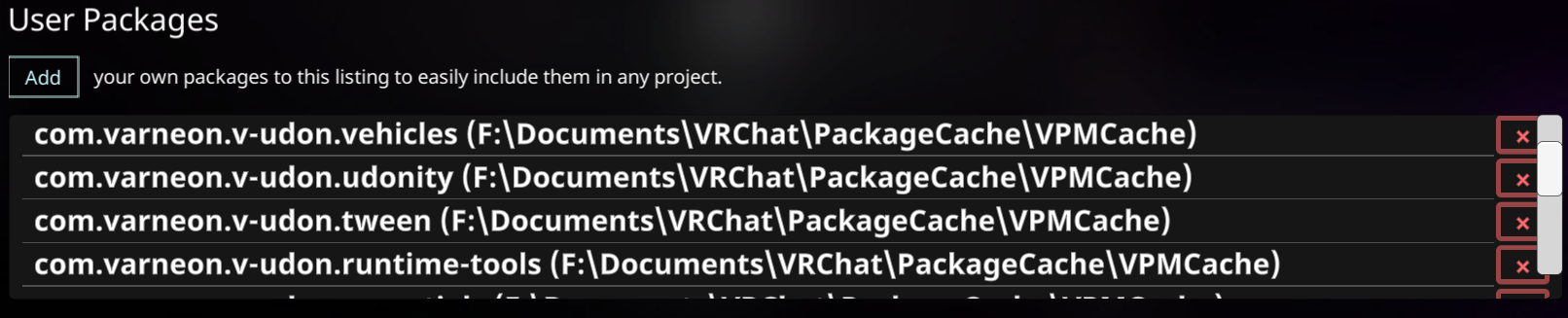
Local User Package
A package that a user has manually downloaded in form of the r/aw package contents and linked to VRChat Creator Companion:
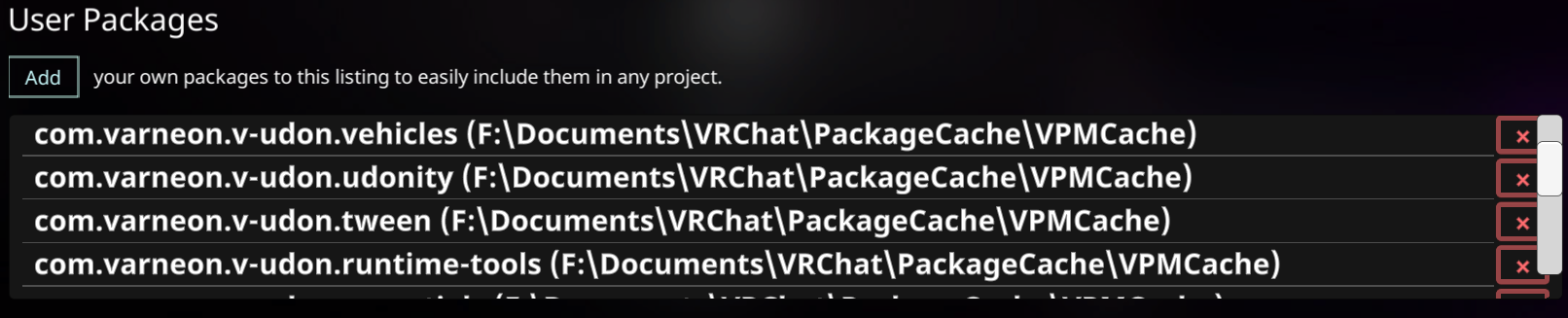
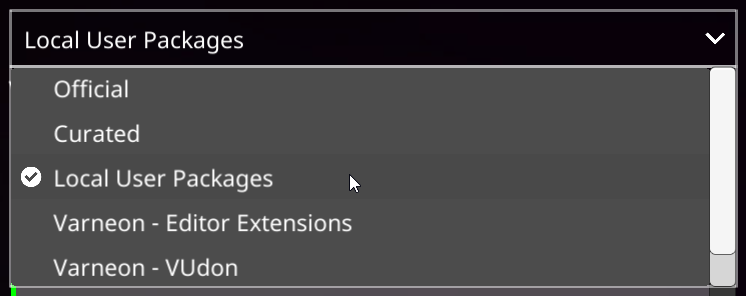
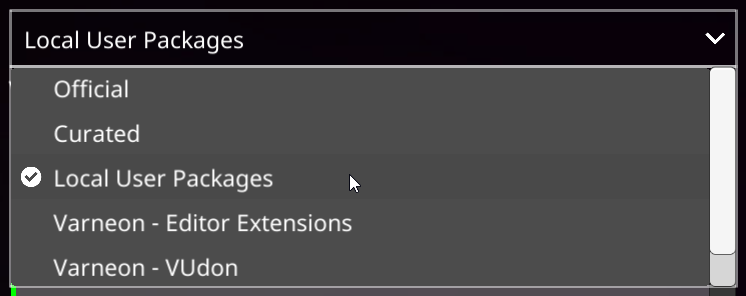
Local user packages can be added to a project by selecting "Local User Packages" in the repository listing dropdown:
https://vcc.docs.vrchat.com/vpm/packages#user-packages
# VPM Package
# Package Manifest
# VPM Package Manifest
Package manifest is a JSON file contained at the root of the package and is used to define the properties of the package, such as name, version, author, dependencies, etc.
## UPM Properties
> Unity UPM package manifest documentation: https://docs.unity3d.com/Manual/upm-manifestPkg.html
| Property | JSON Type | Description |
| - | - | - |
| `name` * | String | The officially registered package name. *(e.g. com.vrchat.udonsharp)* |
| `version` * | String | The package version number. [Documentation](https://docs.unity3d.com/Manual/upm-semver.html) |
| `displayName` | String | User-friendly name displayed in [VRChat Creator Companion](https://vcc.docs.vrchat.com/), [Unity Package Manager](https://docs.unity3d.com/2019.4/Documentation/Manual/upm-ui.html) and [Project Window](https://docs.unity3d.com/2019.4/Documentation/Manual/ProjectView.html)
| `description` | String | Brief description of the package |
| `author` | Object | The author of the package.
`name` \* - Name of the author
`email` - Email of the author
`url` - URL to author's page *(e.g. GitHub, GitLab, Booth)* |
| `unity` | String | Lowest compatible Unity version version for this package, e.g. `2019.4`. *(In case of VPM packages, recommended to set to current version used by VRChat.)* |
| `unityRelease` | String | Lowest compatible release of the Unity version defined in `unity`, e.g. `29f1` |
| `dependencies` | Object | A map of package dependencies. Keys are package names, and values are specific versions. They indicate other packages that this package depends on.
**Note:** The Package Manager doesn’t support range syntax, only [SemVer](https://semver.org/) versions. |
| `keywords` | String[] | An array of keywords used by the Package Manager search APIs. This helps users find relevant packages. |
| `samples` | Object[] | List of samples included in the package. Each sample contains a display name, a description, and the path to the sample folder starting at the Samples~ folder itself. |
| `license` | String | Identifier for an OSS license using the [SPDX identifier format](https://spdx.org/licenses/), or a string such as *“See LICENSE.md file”*. |
| `licensesUrl` | String | Custom location for this package’s license information specified as a URL. |
| `changelogUrl` | String | Custom location for this package’s changelog specified as a URL. |
| `documentationUrl` | String | Custom location for this package’s documentation specified as a URL. |
* - Property required by UPM
Example package.json
```json
{
"name": "com.varneon.vpm-test-package",
"displayName": "VPM Test Package",
"version": "1.0.1",
"unity": "2019.4",
"unityRelease": "29f1",
"description": "Test package for VPM.",
"author": {
"name": "Varneon",
"email": "developer@varneon.com",
"url": "https://github.com/Varneon"
},
"documentationUrl": "https://example.com/documentation.html",
"changelogUrl": "https://example.com/changelog.html",
"licensesUrl": "https://example.com/licensing.html",
"license": "MIT",
"keywords": [
"vpm",
"vrchat",
"udon"
],
"dependencies": {
"com.vrchat.worlds": "3.1.9"
},
"samples": [
{
"displayName": "My Sample",
"description": "Sample from the test package.",
"path": "Samples~/MySample"
}
]
}
```
Example package.json
```json
{
"url" : "https://packages.vrchat.com/com.vrchat.avatars-3.1.0.zip",
"vpmDependencies" : {
"com.vrchat.avatars" : "3.1.0"
},
"legacyFolders" : {
"Assets\\FolderName" : "vr031f928e5c709x9887f6513084aaa51"
},
"legacyFiles" : {
"ProjectVersion.txt" : "jf988739jfdskljf098323jjhf"
}
}
```